
Loading...

To improve email marketing content, write for one reader and one goal per email, then check each part against that goal. That means a front-loaded subject line, a body that delivers on its promise, one clear call to action, a layout that works on a phone, and tests that change a single variable at a time. The sections below cover each step, with the sources behind the numbers.
Most weak emails are not badly written. They are written for nobody in particular. Adobe's guide to engaging email describes the shift from "batch and blast" toward conversational, calculated messages that build trust between a business and its customers. Its recommended tools are segmentation, behavioral and demographic targeting, and follow-up triggered by what the subscriber actually did.
Twilio's best-practices guide makes the same point about audience data and behavioral segmentation: effective programs are built on them, not on one message sent to the whole list.
In practice, before you write a word, answer three questions:
The GitLab handbook, a public example of how a marketing team documents its process, says to define a target segment and a personalization strategy so the right content reaches the right audience. Writing that down before drafting keeps copy honest.
Personalization is more than a first name in the greeting. Pipedrive's content guide warns that forced or generic personalization can feel insincere and spammy, and can even push readers to unsubscribe. A subject line that says "Hi Sam, we have something for you" and then sends a generic newsletter is worse than no personalization at all.
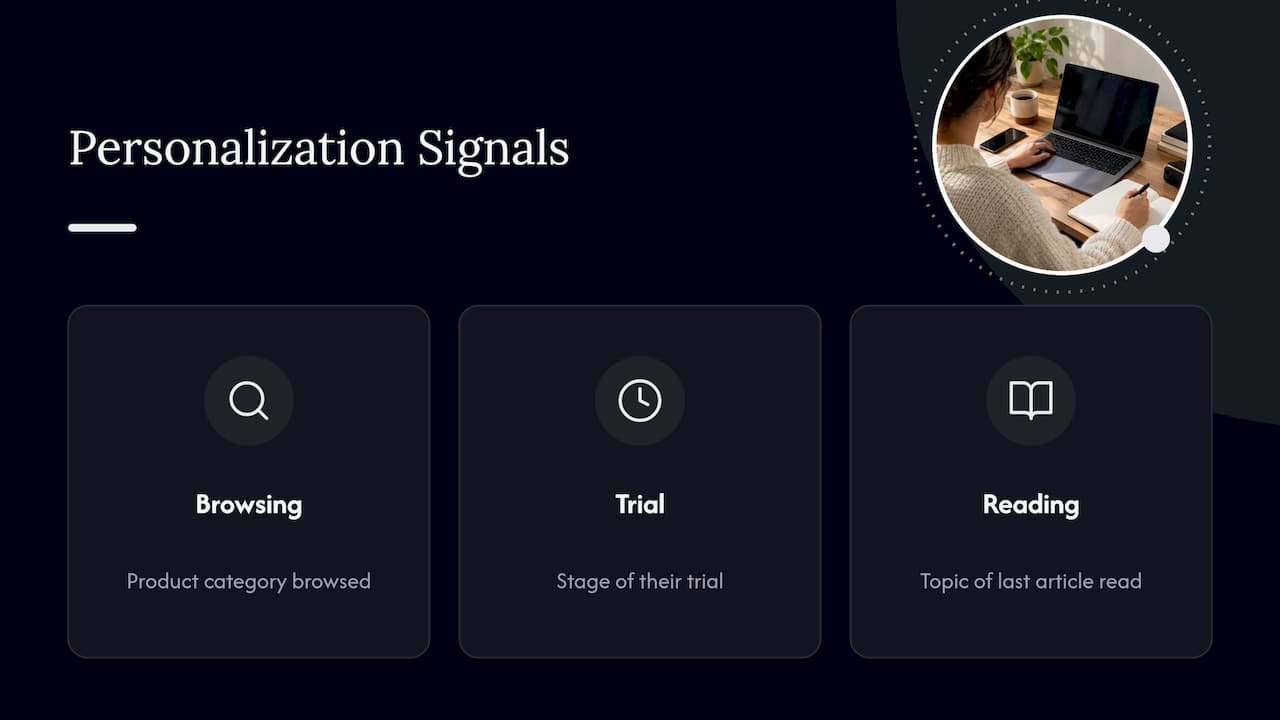
Better signals to use: the product category someone browsed, the stage of their trial, the topic of the last article they read. If you want to see how brands apply this in real campaigns, these email campaign examples show personalization tied to behavior. The same principle applies to tone: a brand identity that feels human is what makes personalized copy believable instead of mechanical.
For more on how to apply this at scale, see our look at content personalization trends for digital marketers.
The advice from nearly every major source converges on the same few habits.
A feature line reads: "Our dashboard now supports custom date ranges." A benefit line reads: "Compare any two weeks in seconds, so Monday's report takes five minutes, not fifty." Same release, but the second one answers "what's in it for me?" Rewrite every feature sentence in your draft until it passes that question.
Urgency works until it becomes the only thing you do. Kath Pay, writing for Econsultancy, says emotional appeal can capture attention but recommends varying emotional techniques and matching them to campaign goals and brand voice, rather than leaning again and again on urgency or fear of missing out. If every email says "last chance," none of them does.
A conversational tone makes an email feel personal and less like generic marketing material, and Pipedrive notes that readers respond better to messages that feel human and relatable. Read the draft aloud. Wherever you stumble, or wherever you would never say the sentence to a colleague, rewrite it. For a deeper process, our guide on how to write readable articles that feel human applies to email just as well.
The subject line decides whether the rest of your work gets read. The sources agree on length and structure, with small differences:
| Guideline | Source | Recommendation |
|---|---|---|
| Subject line length | GitLab Handbook | Under 65 characters to avoid truncation, key information first |
| Subject line length | Shopify Help Center | 3 to 6 words, or fewer than 50 characters |
| Preview text | Both | Complement the subject line, never repeat it |
| Accuracy | Shopify Help Center | The subject must match what the email actually contains |
Two habits follow from that table. First, put the value or the specific noun at the start, because mobile screens cut off the end. Second, treat the preview text as a second line of the subject: if the subject says "Your spring sizing guide," the preview might add "Includes the fit notes customers ask about most."
The accuracy rule matters more than any trick. A subject line that overpromises earns a click and costs you trust, and trust is what Adobe identifies as the foundation of engaging email.
People do not read emails; they scan them. Arizona State University's brand guide, which cites research on reading behavior, reports an average email reading time of eight seconds, and recommends an inverted-pyramid structure:
Shopify's copywriting guide names five core elements: subject line, preview text, body copy, call to action and unsubscribe link. It adds that the body should deliver on the promise made in the subject line. If your subject promises a guide, the first paragraph should hand over the guide, or say exactly where it is.
One email, one primary action. Make the button text specific: "Get the sizing guide" beats "Click here" or "Learn more." MoEngage reports that a specific, clear call to action can increase conversion rates by 161%, and personalized CTAs may yield 202% higher engagement than generic ones. Treat those figures as a vendor's reported results, not a promise for your list, and test your own wording.
For a closer look at wording and placement, this walkthrough on creating compelling CTAs covers how clear, relevant calls to action lift conversions. If you want formulas for the surrounding copy, our overview of copywriting formulas that boost engagement is a practical companion.
Most of your subscribers will meet your email on a small screen, and some will meet it through a screen reader. Both cases reward the same discipline.
Length and reading level. Shopify's Help Center advises keeping emails under 200 words or about 20 lines, writing around an eighth-grade reading level, and avoiding all caps and excessive exclamation marks. The same page recommends placing important information within the first two mobile scrolls and testing the email before sending to verify links and offer details.
Layout. The A11Y Collective's guide says mobile-first design starts with a single-column layout for small screens, then uses media queries to enhance larger ones.
Accessibility. Campaign Monitor's accessibility guide, based on WCAG 2.0, lists logical reading order, sufficient contrast, text alternatives for images and meaningful link text as requirements. The link-text point is easy to act on today: replace "click here" with words that say where the link goes.
A quick pre-send checklist:
Readability and substance can pull against each other, especially for technical audiences. Our piece on balancing readability with necessary complexity covers where to simplify and where not to.
Good copy only works if it reaches the inbox. Google's announcement of Gmail's sender requirements says that starting in February 2024 bulk senders must authenticate their email, offer one-click unsubscription and stay under a clear spam-rate threshold. If you send to Gmail addresses at volume, ask whoever manages your sending domain to confirm SPF, DKIM and DMARC are set up.
The content side of this is about respect. The industry group MAAWG's sender guidance advises processing unsubscribe requests as quickly as reasonably possible and supporting the List-Unsubscribe header. It also advises a clear and conspicuous notice at the point where an address is collected. An email that is easy to leave tends to be read by people who want to be there, and that is the audience your engagement numbers should reflect.
The "People also ask" box for this topic includes the 80/20 rule, the 5 T's and the 4 P's. These are rules of thumb, not laws, and the sources we checked do not agree on one official definition of the 5 T's or the 4 P's, so we will not pretend otherwise.
The 80/20 rule is the most common: roughly 80% value-driven content and 20% promotional. Use it as a gut check on your calendar. If your last five emails were all offers, the next one should teach, answer a question or show a result. The exact ratio matters less than the habit of giving before asking.
Testing is how a good email becomes a better one, but only if it is done carefully. The guidance:
A simple testing order for a small team: subject line first, then the call to action, then the opening line, then length. Keep a log with the hypothesis, the result and what you changed afterwards. After a few months the log is your own best-practices document, and it beats any generic list because it reflects your audience.
If you track content performance beyond email, our post on content metrics for marketers and the guide to data-driven content optimization show how to tie numbers back to editing decisions.
Many teams now draft emails with AI. That saves time, but raw output tends to read the same everywhere: smooth, generic and short on specifics. Your readers notice, even if they cannot say why. The fix is editorial, not magical: add the detail only you know (a customer's name for a feature, a number from your own data), vary sentence length, cut stock phrases and put the single action where the eye lands.
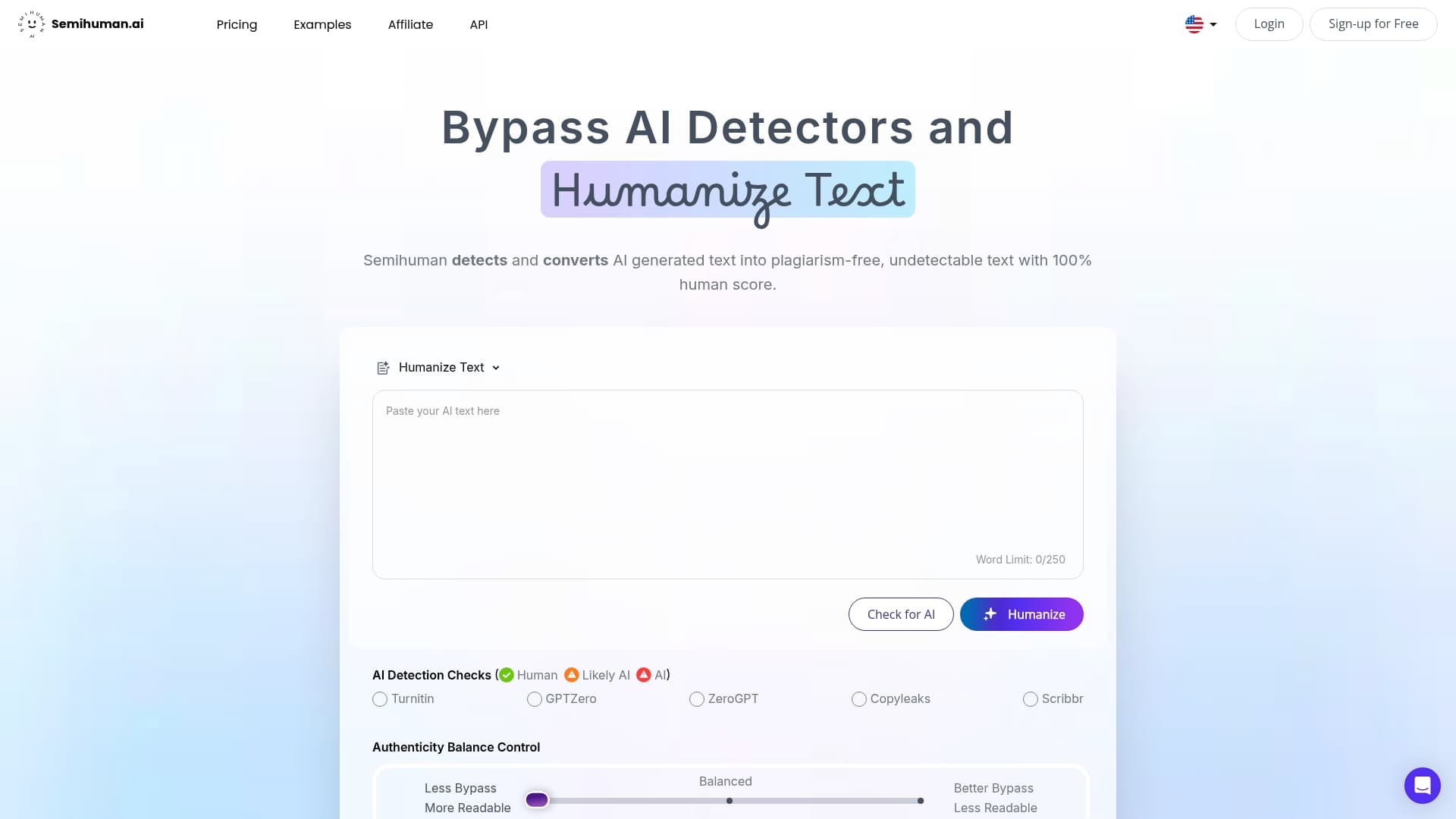
If you want a second pass, Semihuman is built for it. It rewrites AI-generated text so it reads naturally, restructures sentences for readability and can work keywords into the copy, through a web interface or an API for teams that want it inside their own workflow. You can start on the Free, Basic and Pro plans, or look at the Developer, Business and Enterprise options if you want to connect it to your own systems.
Whatever tool you use, read the result as your subscriber would, and keep every claim in it true. For background, see how AI impacts email marketing beyond automation and how to approach AI content for newsletters.
We build a tool that edits AI-written text, so we see the same problem daily: drafts that are grammatically fine and emotionally empty. In email that gap is expensive, because the reader decides in seconds whether you sound like someone worth hearing from.
Our view is that a tool should handle the mechanical part of the edit, such as rhythm, repetition and predictable phrasing, so that people can spend their time on the part only they can do: knowing the customer, choosing the one thing worth saying and being honest about the offer. We would rather you send fewer emails that sound like a colleague wrote them than more emails that sound like everyone else's.
A practical rule we follow ourselves: if you cannot point to a sentence in the email that only your company could have written, the draft is not done.
— Tilen
Rewrite the subject line and the call to action first. Keep the subject under 65 characters with the key information at the start, and make the button text name the specific action. Those two changes are quick, and they sit at the two moments where readers decide to open and to click.
Shorter than most senders think. Shopify's Help Center suggests staying under about 200 words or 20 lines, with the important information within the first two mobile scrolls. Longer emails can work for newsletters, but each section should still earn its place.
It is a rule of thumb that about 80% of your emails should deliver value, such as tips, answers or stories, and about 20% should be promotional. It is not an official standard, so use it as a check on your content calendar rather than a quota.
One strategy guide recommends at least 1,000 recipients per variant, plus a check for statistical significance. With a smaller list, repeat the same test over several sends and treat any single result with caution. Always change only one element at a time.



Start
Humanizing
for Free!
Humanize