
Loading...

Keep the complexity that matters; remove the complexity that doesn't. In practice, that means preserving the technical detail a reader or future maintainer actually needs while cutting the tangled sentences, unnecessary jargon, and convoluted logic that only obscure it. The sections below cover how that split plays out in prose, in code, and in the review workflow that catches what slips through.
TL;DR:
- Readability scores only indicate surface difficulty and do not reveal underlying structural complexity that can cause confusion or bugs.
- Highlighting technical density through glossaries, summaries, or examples helps maintain necessary complexity without overwhelming the reader.
- Automated readability and accessibility checks serve as diagnostic tools but should be confirmed with real user testing before making final edits.
- Structural complexity in code or writing is better managed by clear responsibilities, explicit boundaries, and testing actual comprehension rather than solely improving surface clarity.
- Supplementary materials like plain-language summaries, visualizations, or glossary links are essential for content that genuinely requires advanced reading skills.
Readability describes how easy text is to parse on the surface: sentence length, word choice, formatting, font size. Complexity describes something deeper: how many ideas, dependencies, or conditional branches a reader has to hold in their head at once. A passage can score well on a readability formula and still be hard to use if it hides three unstated assumptions. A function can use short variable names and clean indentation and still be dangerous to modify if it touches five unrelated systems.
Teams that only chase readability scores often polish the surface and leave the underlying structural debt untouched, which shows up later as confusion, bugs, or support tickets that no style guide prevents.
Dense writing isn't always wrong. The goal is cutting accidental friction, not deleting nuance a reader genuinely needs.
When the subject truly requires technical density, don't flatten it. Add a short glossary, a one-line summary above the technical block, or a worked example, so the complexity stays available without blocking the reader who just needs the gist.
Pro Tip: Draft the summary sentence last, after you know what the section actually proves, then move it to the top.
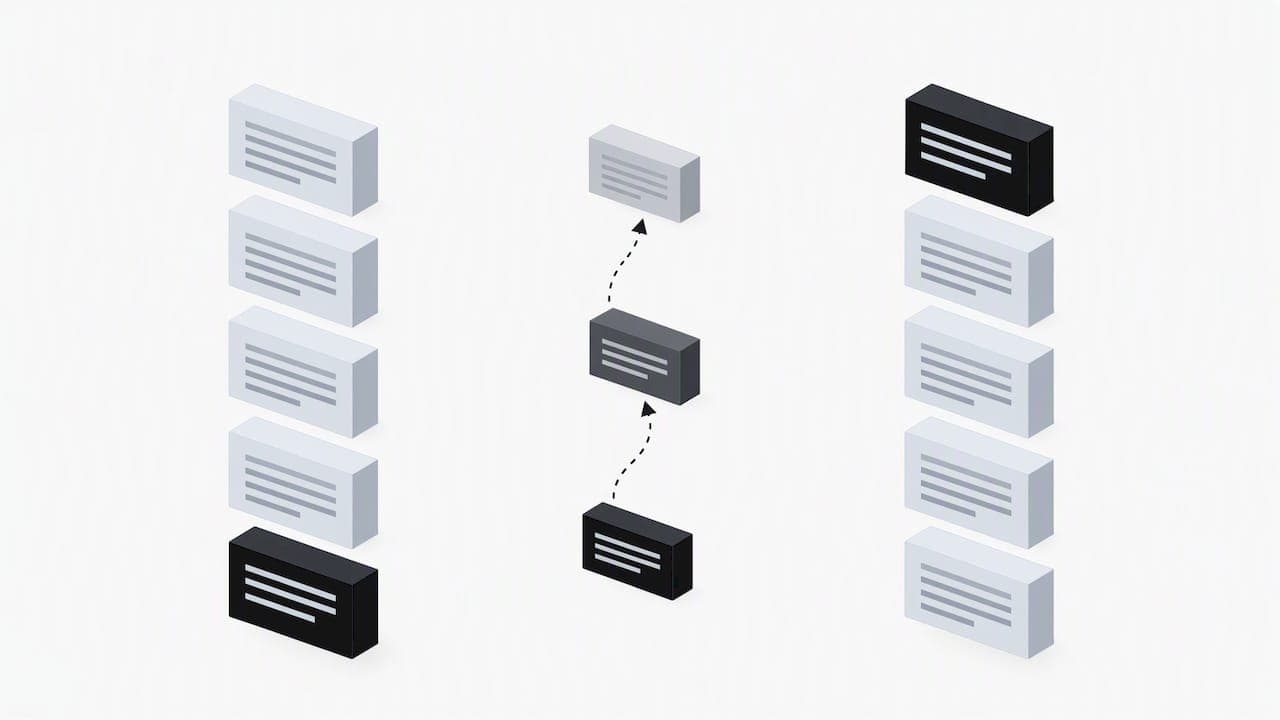
Readable code looks clean. Simple code is predictable. The two overlap often but not always, and conflating them is how teams end up with tidy functions that are still a nightmare to change. Dave Cheney makes this distinction directly: clarity means a reader can predict what the code does and change it safely, while formatting alone cannot guarantee that, as he argues in clear is better than clever.
Treat cognitive load as the real cost. Unfamiliar shortcuts rarely earn their terseness once another engineer has to debug them at 2 a.m.
A repeatable process catches what intuition misses, whether you're editing a blog post, a technical doc, or a pull request.
This mirrors the approach outlined in instructional-content practice guide recommendations, which stress iterative testing over chasing a single score. The same loop works for restructuring an AI-drafted post into something that reads naturally; our examples of humanized text show what that restructuring looks like in practice.
Flesch and Lexile scores estimate difficulty from sentence length and word frequency. They're useful as a first signal, not a target to hit mechanically.
Readability formulas predict difficulty from surface features like sentence length and vocabulary, but reliable analysis shows they miss structural and logical factors that affect comprehension. Treat any score as a diagnostic, then confirm it with real readers before trusting it.
Some content genuinely needs to stay complex. WCAG guidance addresses this directly: when text demands reading ability beyond lower-secondary education, supplemental content or an easier alternate version is expected, rather than forcing everything down to one reading level. The goal isn't simplifying the original; it's making sure an accessible path exists alongside it.
I'd rather accept a slightly longer sentence or an extra line of code than hide structural complexity behind a clean surface. The real cost shows up later: how long it takes someone to debug a function, how many support questions a paragraph generates, how long onboarding takes for a new hire reading your docs for the first time. Those signals tell you more than any single score. Our own editorial approach leans the same way: preserve the complexity that's actually load-bearing, and only rework the phrasing around it so the underlying structure survives contact with a real reader.
— Tilen
Once a draft has gone through heuristics, review, and reader testing, there's usually one step left: making sure the final text reads naturally instead of carrying the stiff, pattern-heavy phrasing common in AI-assisted drafts. Some tools detect AI-generated phrasing patterns and restructure them into natural, human-sounding text, while aiming to keep the technical substance you worked to preserve intact.
| Feature | What it does |
|---|---|
| Humanization | Restructures AI-flagged phrasing into natural prose |
| Keyword integration | Weaves target terms in without disrupting flow |
| API access | Plugs humanization into existing content pipelines |
We recommend running it after your technical review and before final reader testing, so the version your audience sees reads naturally without losing the precision you built in earlier. Individual creators can start on our upgrade page, and teams integrating humanization into an existing pipeline can check our API access options.
Start by separating the two problems: simplify sentence structure and vocabulary where it's purely cosmetic, then address structural complexity, like unexplained dependencies or buried logic, separately. Test the revised version with representative readers rather than relying only on a formula score, since readability formulas miss structural factors that affect real comprehension.
Readability measures how easy text is to parse on the surface, through sentence length, word choice, and formatting. Optimization, in a content or SEO context, is a broader goal that includes readability alongside structure, keyword placement, and search intent, and improving one doesn't automatically improve the other.
It refers to the gap between how easy code looks to scan and how hard it actually is to reason about or safely change. As Dave Cheney argues, clean formatting alone doesn't guarantee a maintainer can predict what the code does or modify it without breaking something.
They flag surface-level difficulty, like long sentences and uncommon words, but they can't detect logical gaps, missing context, or buried dependencies. Use them as an early diagnostic, then confirm the result with actual reader or user testing before trusting the score.




Start
Humanizing
for Free!
Humanize